Desktop vs. App-Based Booking: Which Booking Experience Do Modern Patients Prefer?
What to Know
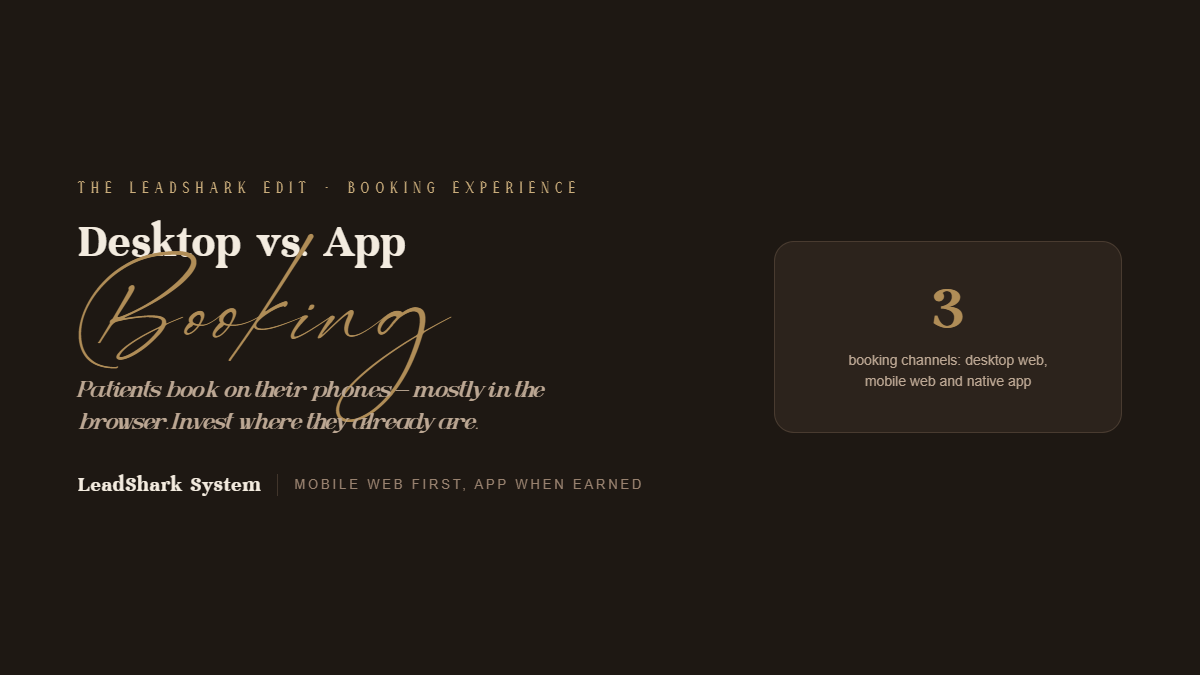
- Mobile has become the dominant booking device. Patients discover practices on Instagram, Google Maps, and mobile search, and most prefer to book on the same device. Mobile’s share tends to be highest in the evenings and on weekends.
- Mobile doesn’t automatically mean a native app. Most patients book through a mobile browser. Few will download a dedicated app for a practice they visit a handful of times per year.
- The best answer is usually a mobile-first web booking flow, with a branded app reserved for practices whose memberships, loyalty programs, or multi-location scale give patients a reason to keep it installed.
Overview: Patients choose between desktop web, mobile web, and native apps depending on where they are in their journey. Most patients start and finish their booking on mobile web. Knowing where your patients actually book helps you spend your budget wisely.
Where Do Patients Actually Book?
Mobile web: This is the top path for most patients. They find your practice on their phone and book right away without switching devices.
Desktop web: This matters most during workday hours. Patients often search and book from their office computer while at work.
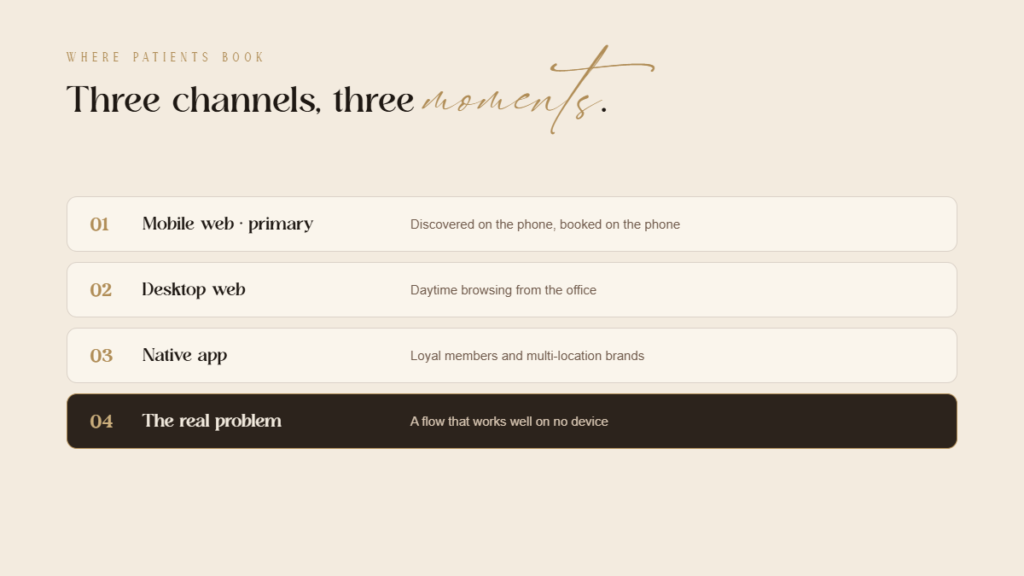
Native apps: These serve repeat patients, members, and loyal clients. They work best for larger brands with frequent visits.
Why it matters: Most practices do not fail because of the wrong device. They lose clients because their booking process is too hard to use on any screen.
What Makes Mobile Web Booking Work?
Fast load speed: Your page must load fast on cellular networks. Slow load times drive potential patients away instantly.
Thumb-friendly layout: Use large buttons and sticky call-to-action bars. Avoid tiny calendars that force users to pinch and zoom.
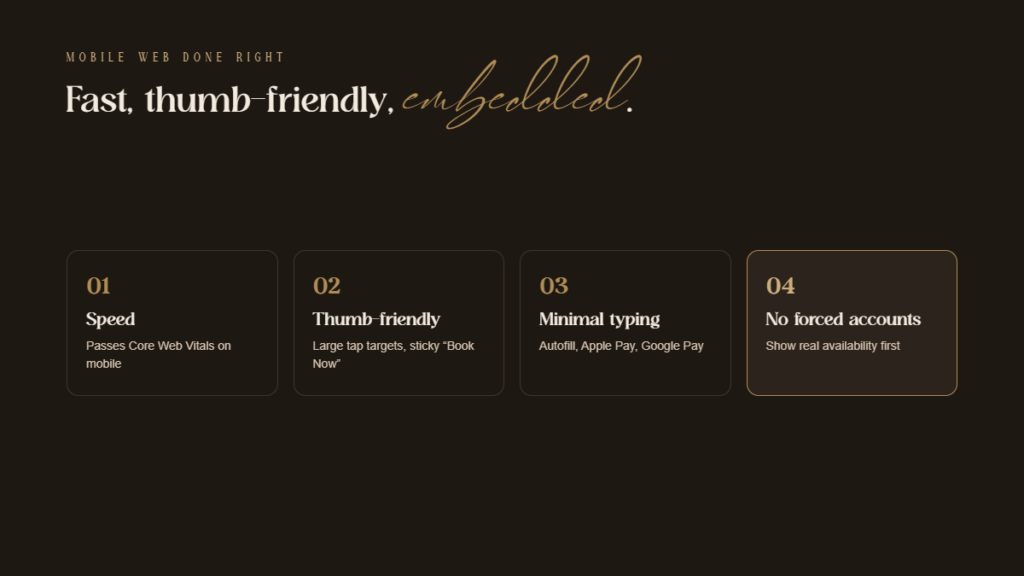
Minimal typing: Enable autofill for contact details. Add one-tap payment options like Apple Pay and Google Pay to speed up checkout.
No forced sign-ups: Show available time slots right away. Forcing account creation early creates friction and lowers bookings.
No forced account creation: Let patients see real availability before asking them to register.
Embedded booking: Keep patients on your main website. Redirecting to standard third-party tools breaks trust and causes drop-offs.
Social links: Direct social media links straight to booking pages. Make sure Instagram, Google profiles, and ads send users to the exact service.
When Does a Native App Make Sense?
A custom mobile app works when patients check it often. It creates strong value for loyal clients who return regularly.
Strong use cases:
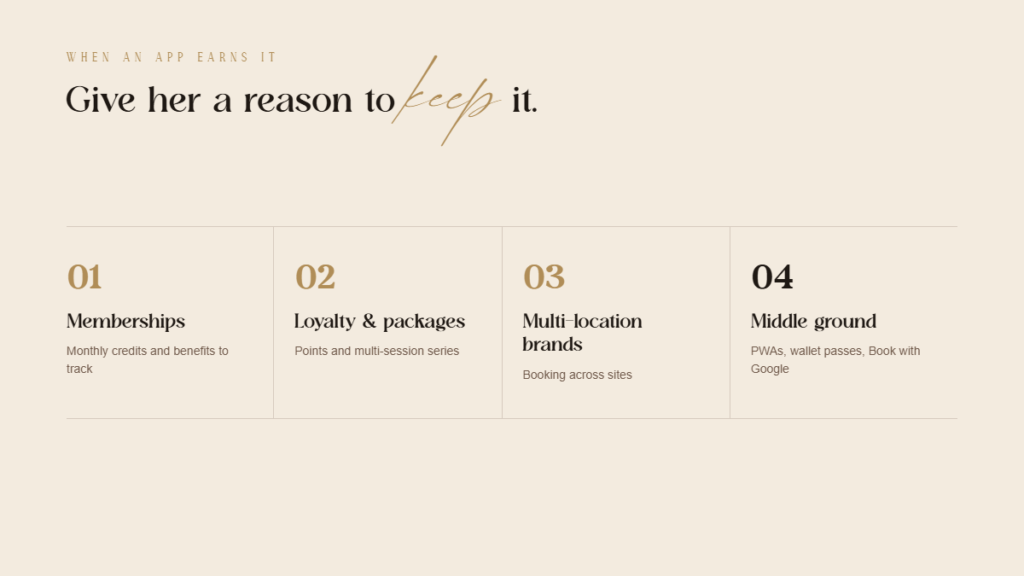
- Membership programs with monthly credits or benefits to track
- Loyalty and rewards with points balances
- Multi-location brands where patients book across sites
- Package and series tracking for multi-session treatments
- Push notifications for rebooking reminders and member offers
When to avoid apps: Single-location practices with occasional visits do not need an app. Forcing downloads adds unnecessary friction for most patients.
Smart path forward: Use turnkey software options before building custom tools. Launch a branded app only when membership numbers justify the cost.
Is There a Middle Ground?
Mobile web apps: Fast web pages can save to home screens like an app. They skip app store downloads while keeping full phone features.
Digital passes and text links: Save membership cards into digital wallets. Send text links so patients can rebook with a single tap.
Google direct booking: Connect scheduling tools directly to online listings. This lets patients schedule straight from search results and maps.
How Should Practices Decide Where to Invest?
Step 1: Check website traffic. Review traffic stats to see how many users book on mobile versus desktop.
Step 2: Upgrade mobile web. Fix mobile booking errors first. This step directly improves results for the largest group of patients.
Step 3: Refine desktop web. Keep the desktop site clean and fast. Ensure office workers can book quickly during business hours.
Step 4: Add a mobile app later. Launch an app only after user volume grows. High membership or multi-location scale justifies the extra build.
What Should Be Measured?
- Booking conversion rate by device
- Page load time and Core Web Vitals on the booking page
- Drop-off points within the booking flow
- Bookings by time of day and device
- App adoption and retention if an app is launched
The big takeaway: Use your own data to make decisions. Booking habits vary by location, audience, and service type.
The Bottom Line
The Bottom Line: Patients prefer booking on their phones, but they stick to mobile web browsers. Focus your budget on a fast mobile web flow before considering a custom app.
When to expand: Native apps earn their spot when you offer recurring memberships, points programs, or multi-location access. Until then, meet patients where they already are.
ready to grow & scale












more
about us
For brands looking for a branding, website and social media facelift...
The Aesthetic Website

learn more
For brands looking to SCALE & GROW their existing aesthetic business with more booked appointments...
The Aesthetic Accelerator

learn more
The client retention app for brands looking to maximize their client lifetime value and increase member retention
Juvvia




we are the creators of



REQUEST BETA ACCESS
follow us
chat with us
A data-driven performance marketing agency dedicated to helping aesthetic businesses scale and grow...
We Are LeadShark System

learn more

